How to Use a Coway Air Purifier: Beginner
Using your Coway air purifier is super simple! You just need to plug it in and press the power button to start cleaning your air. It’s designed to be easy for beginners.
Coway air purifiers are made with user-friendliness in mind. They aim to offer cleaner air without complicated setups. You can quickly enjoy a healthier home environment. Many models have intuitive controls.
- Plug it in and turn it on.
- Understand basic settings like fan speed.
- Know when to change the filter.
- Keep the unit clean.
Let’s walk through exactly how to use your Coway air purifier step by step.
Getting Started with Your Coway Air Purifier
So you’ve got a new Coway air purifier. That’s fantastic! You’re already on your way to breathing cleaner, fresher air in your home. Don’t worry, using it is a breeze. We’ll guide you through everything you need to know, from the moment you unbox it to keeping it running smoothly.
Unpacking and Initial Setup
First things first, let’s get it out of the box. Carefully remove your Coway air purifier and all its components. You’ll usually find the main unit and the power cord. Sometimes, there’s a quick start guide, which is always a good read.
Before you plug it in, take a moment to check for any protective plastic or tape. Manufacturers often use these to keep parts secure during shipping. Removing them ensures everything works as it should. You might need to open the front or back panel to access the filter. Make sure to remove any packaging around the filter itself.
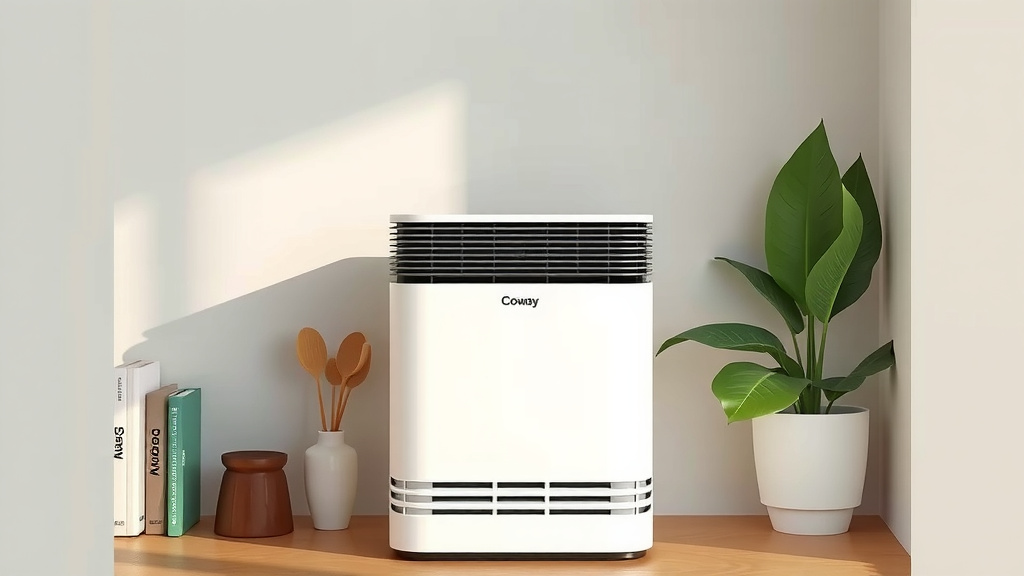
Once that’s done, close up the unit securely. Now, find a good spot for your air purifier. Ideally, it should be in the room where you spend the most time, like your living room or bedroom. Make sure there’s enough space around it for air to circulate freely. Aim for at least a foot of clearance on all sides. Don’t tuck it away in a corner behind furniture; it needs room to breathe!
Powering On and Understanding the Controls
Ready to turn it on? Great! Locate the power button. It’s usually clearly marked and easy to find on the top or front of the unit. Press it once, and your Coway air purifier should spring to life. You might hear a gentle hum as it begins its work. This is a good sign!
Most Coway models have a straightforward control panel. You’ll likely see buttons for fan speed, mode settings, and perhaps a power indicator. Let’s break down what these generally mean.
Fan Speed Settings
You’ll notice different fan speed options. These control how quickly the air purifier cycles the air in your room. Low speed is quieter and uses less energy, perfect for when you’re sleeping or want a peaceful environment. Medium speed offers a good balance between air purification and noise. High speed is for when you need a quick air-cleaning boost, like after cooking or if the air feels a bit stuffy. Some models might even have an ‘Eco’ mode that automatically adjusts fan speed to save energy.
Understanding Different Modes
Beyond basic fan speed, many Coway purifiers have special modes. The ‘Sleep’ mode is designed to be extra quiet and often dims the control panel lights. This is fantastic for bedrooms. An ‘Auto’ mode uses sensors to detect air quality and adjust the fan speed accordingly. It’s like having a smart assistant for your air!
You might also find modes like ‘Timer’ to set how long the unit runs or a ‘Filter Reset’ indicator. Don’t be intimidated by these; they’re there to make your life easier. We’ll cover filter changes later!
Where to Place Your Air Purifier for Maximum Effectiveness
Placement really matters when it comes to air purifiers. Think of it like placing a fan – you want the air to flow around it, not be blocked. As we mentioned, give it at least 12 inches of space on all sides. This allows the unit to effectively draw in air, filter it, and then distribute clean air back into the room.
Consider the room size. While Coway makes models for various room dimensions, placing a small unit in a very large room won’t be as effective. Similarly, a large unit in a tiny space might be overkill and louder than necessary. Check your Coway model’s specifications for its recommended room coverage area. This information is usually in your user manual or on the manufacturer’s website.
Another tip is to place it near the source of pollutants if possible. If cooking often causes lingering odors, placing it in or near the kitchen can help. If allergies are worse in the bedroom, that’s a prime spot. Research from organizations like the Environmental Protection Agency (EPA) suggests that strategic placement can significantly improve air quality in occupied spaces.
The Heart of the Machine: Understanding Your Filters
Your Coway air purifier works hard thanks to its filters. Most models use a multi-stage filtration system. This typically includes a pre-filter, an odor filter (often carbon-based), and a high-efficiency particulate air (HEPA) filter. Each plays a vital role.
The pre-filter catches larger particles like pet hair and dust bunnies. The carbon filter tackles odors from cooking, pets, or smoke. The HEPA filter is the real hero for allergens, trapping tiny particles like pollen, mold spores, and fine dust. You can think of it like your air taking a journey through different cleaning stations.
When and How to Change Your Filters
This is probably the most important maintenance task. Coway air purifiers have indicators that let you know when it’s time to change the filters. These lights usually turn on or blink. The exact timing depends on how often you use the unit and the air quality in your home. For example, if you have pets or live in a dusty area, you might need to change filters more frequently.
When the filter indicator light comes on, it’s time to get replacements. You can usually find genuine Coway replacement filters on their website or from authorized retailers. Always opt for genuine filters to ensure optimal performance and fit. Generic filters might not work as effectively and could even damage your unit.
Changing them is usually quite simple. Power off and unplug the unit first! Then, open the filter cover (often the front panel). Carefully remove the old filters, dispose of them properly, and insert the new ones. Make sure they are seated correctly. Once everything is back in place, plug it in, turn it on, and remember to reset the filter indicator light. Your manual will have specific instructions for your model.
Keeping Your Coway Air Purifier Clean
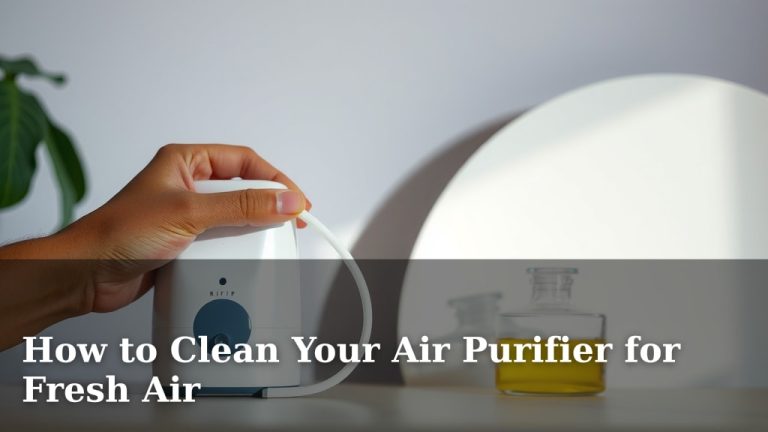
Beyond filter changes, a little regular cleaning keeps your air purifier in top shape. The exterior can be wiped down with a soft, damp cloth. Avoid using harsh chemicals or abrasive cleaners, as these can damage the plastic. A mild soap and water solution should do the trick.
Don’t forget the intake and outlet vents. Dust can build up here. You can gently vacuum these areas or use a soft brush to remove any accumulated dust. This ensures that air can flow freely into and out of the unit, maximizing its efficiency. Keeping the exterior clean also makes your air purifier look nicer in your home.
Quick Checklist for Your Coway Air Purifier
To make things super simple, here’s a handy checklist:
- Unpack carefully, remove all protective packaging from the unit and filters.
- Place the purifier in a central location with good airflow.
- Plug it in and power it on.
- Familiarize yourself with the fan speed and mode buttons.
- Note the filter indicator light and have replacement filters ready.
- Wipe down the exterior regularly with a damp cloth.
You’ve got this! Using your Coway air purifier is all about simple steps that lead to a healthier living space. Enjoy breathing easier!
Conclusion
You’ve taken the first steps to using your Coway air purifier, and you’re already making a difference in your home’s air quality. Remember, proper setup, understanding basic controls like fan speed and modes, and knowing when to change your filters are key. Keeping the exterior clean ensures it runs efficiently. Your Coway is designed to be user-friendly, so don’t hesitate to use it daily. Now, take a moment to check your filter indicator light and ensure you’re prepared for the next filter change – your lungs will thank you!
Frequently Asked Questions
How often should I change the filters in my Coway air purifier?
The frequency of filter changes depends on usage and your home’s air quality. Coway units have indicator lights to signal when it’s time. Generally, HEPA filters may need replacing every 6-12 months, and carbon filters more often if you have strong odors. Always check your specific model’s manual for recommendations.
Can I run my Coway air purifier 24/7?
Yes, you can generally run your Coway air purifier continuously. They are designed for prolonged operation to maintain consistent air quality. Using the ‘Eco’ or ‘Auto’ modes can help manage energy consumption if you plan on running it all day.
What is the best room to place my Coway air purifier in?
Place your Coway air purifier in the room where you spend the most time, often your bedroom or living room. Ensure it has at least 12 inches of clear space around it for optimal airflow and purification effectiveness.
My Coway air purifier is making a strange noise. What should I do?
First, ensure the unit is properly assembled and all filters are correctly installed. Check for any obstructions near the fan or vents. If the noise persists, it might be time to check your filters or contact Coway customer support for assistance.
How do I reset the filter indicator light after changing the filters?
After replacing your filters, you’ll need to reset the indicator light. This process varies by model, but it often involves pressing and holding a specific button (like the ‘Filter Reset’ button or the power button) for a few seconds. Consult your user manual for the exact instructions for your Coway model.