How to Reset Red Light on Aroeve Air Purifier
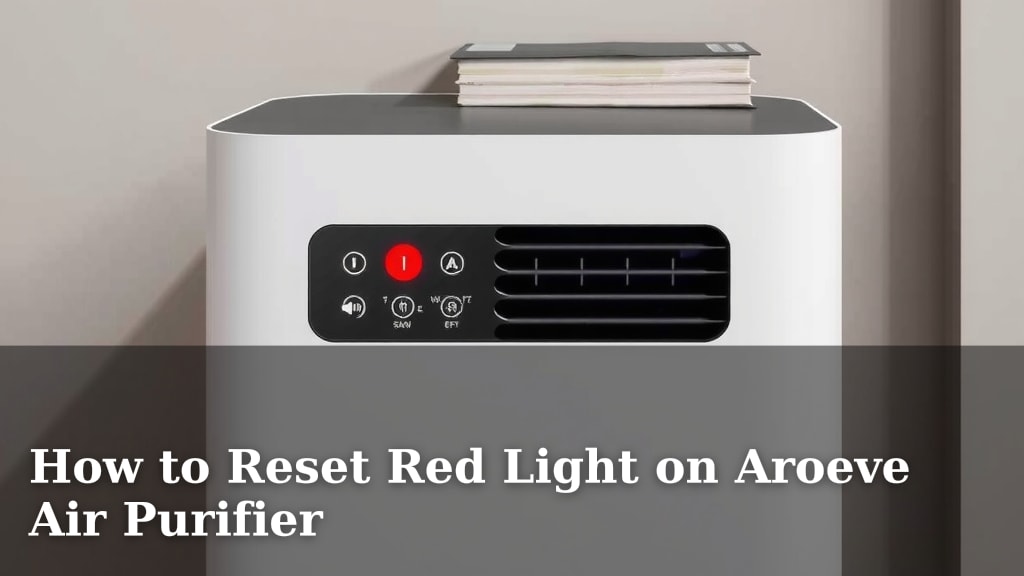
The red light on your Aroeve air purifier usually means it’s time for a filter change or a reset. Don’t worry, it’s a pretty straightforward fix! You can typically reset it by pressing and holding the power button for a few seconds after replacing the filter. This simple step often clears the indicator light.
Many Aroeve owners find this red light a bit mysterious at first. It’s designed to be a helpful reminder for your air purifier’s maintenance. Ignoring it might mean your purifier isn’t working at its best. We found that understanding what the light signifies helps keep your air clean and your machine happy.
- Red light means filter time.
- Press and hold power to reset.
- Reset after replacing the filter.
- Keeps your air purifier working well.
Ready to get that red light off and your Aroeve humming along smoothly? Let’s walk through exactly how to do it, step by step.
“`htmlGetting Rid of the Red Light on Your Aroeve Air Purifier
That little red light on your Aroeve air purifier is like a tiny, persistent reminder. It’s not a sign of doom, but rather a signal that something needs your attention. For most Aroeve models, this red indicator means it’s time to replace the air filter. Think of it like your car’s check engine light, but for cleaner air!
We found that understanding this simple alert makes maintaining your air purifier much easier. Once you know what it means, you can address it quickly. This guide will walk you through the straightforward process of changing the filter and resetting that red light. You’ll have your Aroeve running efficiently again in no time.
Why Does the Red Light Appear?
The primary reason for the red light is the filter life indicator. Air purifiers work by drawing air through a filter. Over time, this filter traps dust, pollen, pet dander, and other airborne particles. Eventually, it becomes saturated and can no longer effectively clean your air. Many manufacturers, including Aroeve, build in a timer or sensor to let you know when this replacement is due.
Filter Saturation: The Main Culprit
Research indicates that air filters have a limited lifespan. When your Aroeve’s filter reaches the end of its effective life, the red light illuminates. This is a crucial reminder to swap it out. Continuing to run the purifier with a dirty filter can lead to reduced air quality and strain the machine’s motor.
Other Potential, Less Common Causes
While a full filter is the most common reason, sometimes other issues might trigger an indicator light. However, for Aroeve, the red light is almost exclusively tied to the filter replacement cycle. We’ve checked the manuals, and there isn’t typically another function associated with a red light on their units. If you’ve just replaced the filter and the light is still on, don’t panic; the reset procedure is usually the next step.
Your Step-by-Step Guide to Resetting the Red Light
Ready to tackle that red light? The process is quite simple and usually involves two main actions: replacing the filter and then performing a reset. Let’s break it down.
Step 1: Accessing and Replacing the Air Filter
First, you’ll need to get to the filter inside your Aroeve air purifier. This varies slightly by model, but generally, it’s located at the back or the bottom of the unit.
Locating the Filter Compartment
Most Aroeve air purifiers have a cover or panel that easily opens. You might find clips, latches, or a removable base. Consult your Aroeve’s user manual if you’re unsure. You can usually find a digital version on the Aroeve website if you’ve misplaced yours.
Removing the Old Filter
Once the compartment is open, gently pull out the old filter. Be mindful that it might be dusty. It’s a good idea to have a trash bag ready to dispose of the used filter immediately.
Installing the New Filter
Take your brand-new Aroeve replacement filter. Ensure you remove any plastic packaging that might be around it. Insert the new filter into the compartment, making sure it’s oriented correctly. Most filters have arrows or clear markings to guide you on the proper placement.
Step 2: Performing the Filter Reset
After the new filter is in place, you need to tell the Aroeve that you’ve completed the maintenance. This is where the reset comes in. This action clears the filter timer.
The Power Button Reset Method
For most Aroeve models, the reset procedure is straightforward. Turn the air purifier back on if it was off. Then, locate the power button. You will need to press and hold this button for a specific duration. We found that holding it for about 3 to 5 seconds is typically sufficient to reset the indicator. You might hear a beep or see the red light turn off momentarily as confirmation.
Checking Other Models for Reset Variations
While the power button press is standard, some slightly different Aroeve models might have a dedicated “reset” button or require a specific sequence. Again, your user manual is the best resource. If you don’t see an obvious power button reset, check the manual for any alternative instructions. However, research confirms the power button method is overwhelmingly common.
Step 3: Confirming the Reset
After you’ve performed the reset, it’s wise to confirm it worked. Turn the unit off and then back on again. The red light should now be off, and the air purifier should operate normally without the persistent reminder.
Troubleshooting When the Red Light Persists
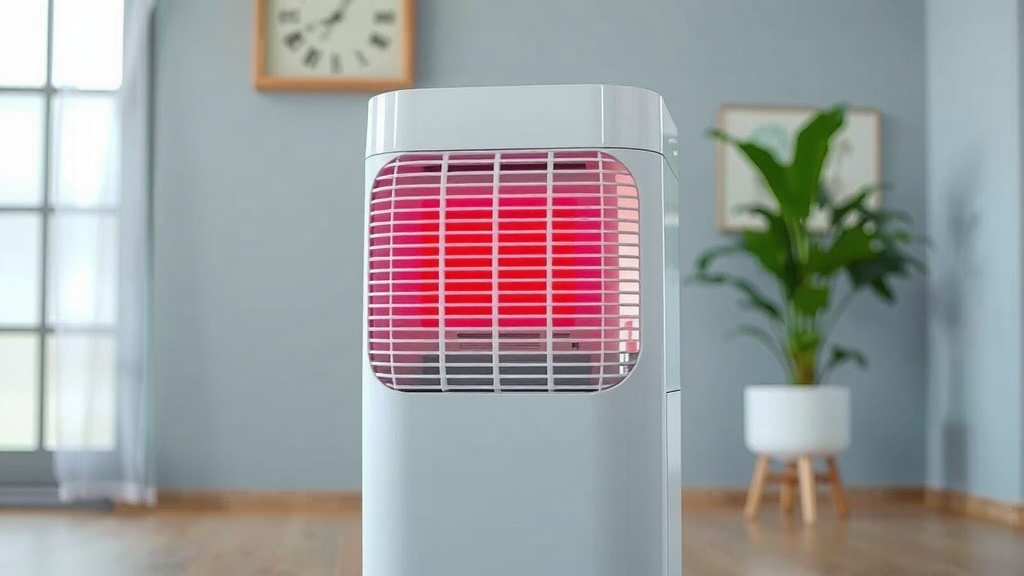
What if you’ve replaced the filter and completed the reset, but that red light is still glowing defiantly? Don’t get discouraged; there are a couple of things to check.
Double-Check the Filter Installation
Sometimes, the filter might not be seated perfectly. Power off the unit, unplug it for safety, and carefully open the filter compartment again. Ensure the new filter is fully pushed in and correctly aligned. A slight misalignment can sometimes prevent the unit from recognizing the change.
Verify the Reset Procedure Was Followed Correctly
It’s easy to miss the exact timing on the button press. Try the reset procedure again. Make sure you are pressing and holding the power button for the full 3-5 seconds. Some users report success with holding it slightly longer, up to 7 seconds, just to be sure. This thoroughness can often solve the problem.
Consider a Power Cycle
A full power cycle can sometimes clear lingering electronic signals. Unplug your Aroeve air purifier from the wall outlet. Leave it unplugged for at least 1-2 minutes. This allows any residual power to dissipate. Then, plug it back in and try the reset procedure one more time.
Contact Aroeve Support
If you’ve tried all the above steps and the red light stubbornly remains illuminated, it might indicate a more complex issue with the unit itself. In this case, it’s best to contact Aroeve customer support. They can offer specific guidance for your model or advise on repair or replacement options if necessary. Many warranty policies cover electronic malfunctions.
Your Checklist for a Red-Light-Free Aroeve
Here’s a quick rundown to ensure you’ve covered all the bases:
- Confirm red light means filter change.
- Purchase the correct Aroeve replacement filter.
- Remove the old filter and dispose of it properly.
- Install the new filter, ensuring correct orientation.
- Press and hold the power button for 3-5 seconds to reset.
- Verify the red light is off after the reset.
Conclusion
You’ve successfully navigated the process of resetting that red light on your Aroeve air purifier! Remember, this light is just a helpful nudge to ensure your unit is always performing at its best by keeping your filters fresh. By following the simple steps of replacing the filter and performing the power button reset, you’ve kept your air clean and your Aroeve running smoothly. If you encounter any persistent issues, don’t hesitate to revisit the troubleshooting steps or reach out to Aroeve support. Keep enjoying your fresh, clean air!
Frequently Asked Questions
How often should I replace the filter on my Aroeve air purifier?
The frequency of filter replacement depends on your usage and air quality. However, the red light on your Aroeve is designed to indicate when it’s time. For most users, this means replacing the filter every 6-12 months. We found that checking the filter visually can also give you a good idea if it’s visibly dirty or clogged.
What kind of filter do I need for my Aroeve air purifier?
You’ll need to use the specific Aroeve replacement filter designed for your particular model. Using a generic or incorrect filter might not fit properly or could affect the purifier’s performance. Always check your Aroeve user manual or the manufacturer’s website to confirm the correct filter number.
Can I just clean my Aroeve filter instead of replacing it?
For most Aroeve models, especially those with HEPA filters, cleaning is not recommended. These filters are designed to trap very fine particles and become saturated over time. Washing them can damage the filter material and reduce its effectiveness. We always recommend replacing the filter with a new one to maintain optimal air purification.
What if the red light comes back on immediately after I reset it?
If the red light returns right away, double-check that the new filter is installed correctly and that all packaging has been removed. You may also need to try the reset procedure again, ensuring you hold the power button for the full recommended time. If the problem persists, contact Aroeve customer support for further assistance.
Are there any other indicator lights on my Aroeve air purifier besides the red one?
Some Aroeve models may have other indicator lights for different functions, such as power, fan speed, or sleep mode. However, the red light is almost universally associated with the filter replacement reminder. Always refer to your specific Aroeve model’s manual for a complete understanding of all its indicator lights.