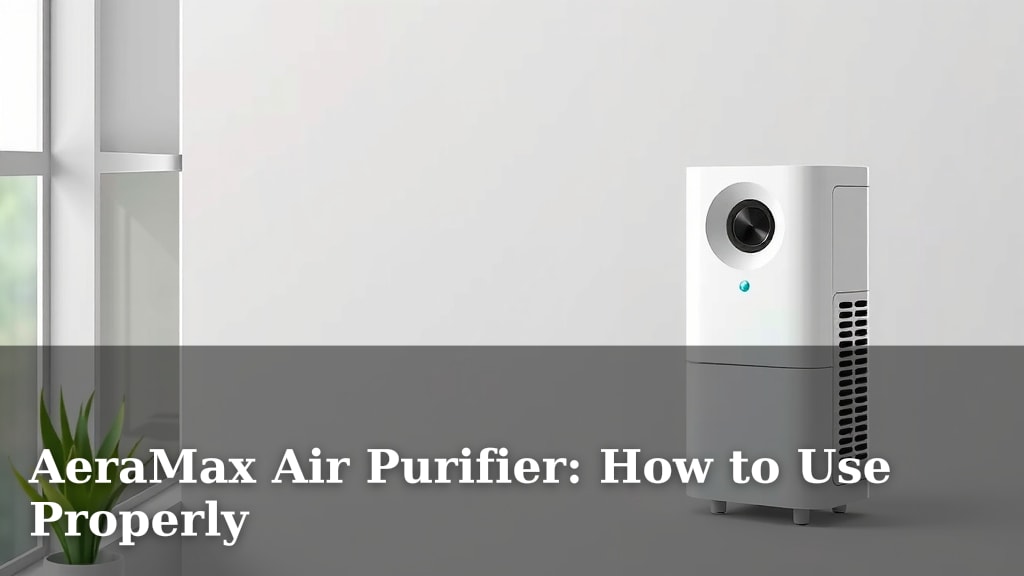
AeraMax Air Purifier: How to Use Properly
Using your AeraMax Air Purifier properly is simple once you understand its key functions. For the best results, you’ll want to place it in the room where you spend the most time and ensure it has ample space around it. This allows the air to circulate freely, maximizing its air-purifying capabilities.
An AeraMax is designed to tackle common airborne irritants. It works by drawing in air, passing it through a multi-stage filter system, and then releasing cleaner air back into your home. Many users find it helpful for reducing dust, pet dander, and even some odors, creating a more comfortable living environment.
- Place your AeraMax in a central location.
- Give it at least 12 inches of clear space.
- Understand the fan speeds and auto mode.
- Know when to replace the filters.
Let’s walk through exactly how to get the most out of your AeraMax, from setup to filter changes.
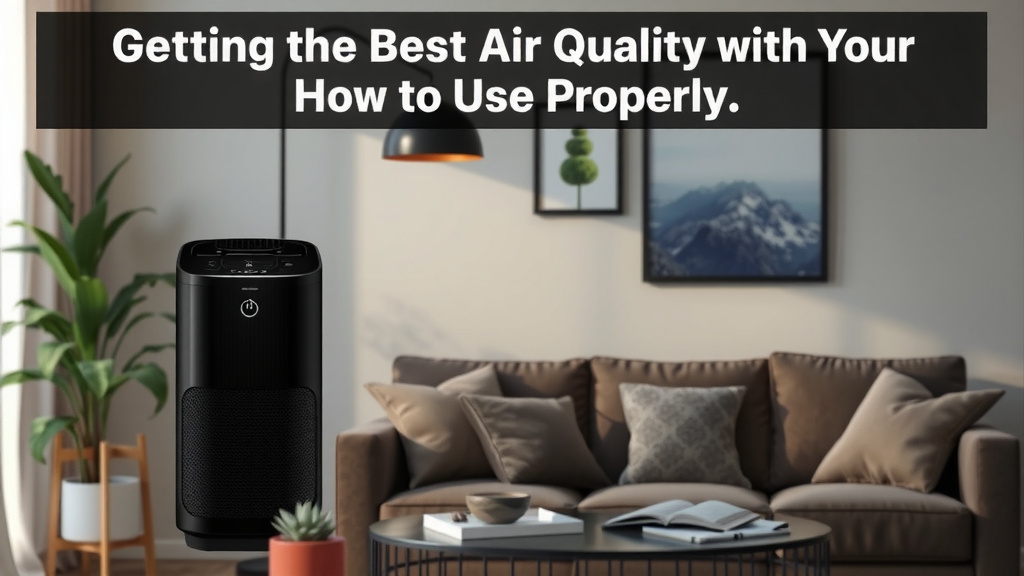
Getting the Best Air Quality with Your AeraMax
You’ve got your AeraMax, and you’re ready for cleaner air. That’s fantastic! Using it correctly ensures you get the maximum benefit for your home. It’s all about understanding a few key settings and placement tips. We’ll guide you through making your AeraMax a star player in your home’s air quality.
Smart Placement for Maximum Airflow
Where you put your AeraMax really matters. Think of it like giving your purifier the best seat in the house. It needs room to breathe!
Finding the Ideal Spot
The best place is usually in the room where you spend the most time. This could be your living room, bedroom, or even your home office. The goal is to have it working its magic where you’ll notice the difference the most. We found that placing it on the floor often provides better circulation than on a high shelf.
Giving Your AeraMax Space to Work
Your AeraMax needs about 12 inches of clear space all around it. This means no pushing it up against a wall or furniture. This space allows air to flow freely into the unit and then be circulated back out. Imagine trying to eat in a tiny, crowded corner – it’s not ideal. Your AeraMax feels the same way!
- Keep the front of the unit clear.
- Ensure the back and sides have ample space.
- Avoid placing it directly under shelves or in tight alcoves.
Understanding Your AeraMax’s Controls
Most AeraMax models have intuitive controls. Knowing what each setting does will help you tailor the purification to your needs.
Manual Fan Speed Settings
You’ll typically see a few fan speed options. These are usually labeled something like 1, 2, 3, and sometimes a Turbo or Max setting. Higher speeds mean more air is processed faster. This is great for quickly clearing the air after cooking or if you’ve had guests.
- Low (1-2): Ideal for continuous use, quiet operation, and maintaining air quality.
- Medium (3): Good for noticeable improvements without too much noise.
- High/Max/Turbo: For rapid air cleaning when you need it most.
The Magic of Auto Mode
Many AeraMax units feature an ‘Auto’ mode. This is where the purifier truly shines for effortless operation. It uses built-in sensors to detect the air quality in your room.
How Auto Mode Works
When Auto mode is on, your AeraMax will automatically adjust its fan speed. If it senses poor air quality (like increased dust or odors), it will ramp up the fan speed. Once the air is cleaner, it will slow down again. This smart feature saves energy and ensures your air is always being tended to. We found this mode to be a favorite among users for its ‘set it and forget it’ convenience.
The GermSmart Feature
Some AeraMax models come with a GermSmart feature. This setting uses a sensor to detect airborne germs and viruses. It then automatically increases the fan speed to help reduce their presence in the air. Many guidelines suggest this can be helpful during cold and flu seasons (CDC).
Filter Replacement: When and How
Filters are the heart of your air purifier. They trap all those nasty particles. Knowing when to replace them is key to keeping your AeraMax working efficiently.
Understanding Filter Indicators
Your AeraMax will likely have an indicator light that tells you when it’s time to change the filters. This is usually a red light or a specific filter change icon. Don’t ignore this light; it’s your purifier’s way of asking for a little TLC.
Typical Filter Lifespan
The lifespan of your filters can vary. It depends on how often you run your AeraMax and the air quality in your home. Generally, you can expect to replace filters every 6 to 12 months. Some models have separate indicators for the HEPA filter and the activated carbon filter.
| Filter Type | Typical Lifespan | When to Replace |
|---|---|---|
| HEPA Filter | 6-12 months | When filter indicator light turns on. |
| Activated Carbon Filter | 3-6 months | When odor reduction is noticeable less effective or indicator light shows. |
| Pre-Filter | As needed | When visibly dirty; often washable. |
The Replacement Process
Replacing filters is usually a straightforward process. Always unplug your AeraMax before starting. You’ll typically need to open the back or bottom panel, remove the old filters, and insert the new ones. Make sure they are oriented correctly. Your AeraMax manual will have specific instructions for your model. It’s a quick task that makes a big difference!
Tips for Optimal Performance
Here are a few extra tips to ensure your AeraMax is always doing its best work for you and your family.
- Keep it Clean: Wipe down the exterior of your AeraMax regularly with a soft, dry cloth.
- Monitor Air Quality: Pay attention to how your air feels and smells. This can give you clues about when your AeraMax is working hardest.
- Run it Consistently: For continuous benefits, running your AeraMax on a lower setting overnight can be very effective.
- Don’t Forget the Pre-Filter: If your model has a washable pre-filter, clean it regularly. This helps extend the life of your main filters.
Your AeraMax Checklist for Success
Ready to put your AeraMax to work? Here’s a quick checklist to ensure you’re set up for success:
- Placement: Is your AeraMax in a central location with at least 12 inches of clear space around it?
- Settings: Are you using Auto mode, or have you selected a fan speed appropriate for your current needs?
- Filter Check: Have you checked your filters recently? Are they nearing the end of their lifespan?
- Power: Is your AeraMax plugged in and turned on? (It sounds simple, but it happens!)
- Maintenance: Have you noted when your filters were last changed?
Conclusion
You’re now well-equipped to get the most out of your AeraMax air purifier. Remember, proper placement with at least 12 inches of clear space is key for optimal airflow. Understanding your unit’s Auto mode and fan speeds allows you to tailor purification to your daily life. And don’t forget those filter changes – they’re essential for keeping your air fresh. By following these simple steps, you can create a noticeably cleaner and more comfortable living environment for you and your family. Your next step is to ensure your AeraMax is set up correctly in its ideal spot, ready to start purifying your air!
Frequently Asked Questions
How often should I run my AeraMax air purifier?
For continuous benefits, we recommend running your AeraMax consistently, especially in the rooms where you spend the most time. Using the Auto mode is a fantastic “set it and forget it” option that adjusts automatically to your air quality.
Can I place my AeraMax on a shelf or desk?
While you can, placing your AeraMax on the floor or a low surface generally provides better air circulation. Ensure there’s still at least 12 inches of clear space all around it, which can be challenging on higher shelves or in tight corners.
What does the “GermSmart” feature do?
The GermSmart feature, found on select models, uses a sensor to detect airborne germs and viruses. When activated, it automatically increases the fan speed to help reduce their presence in your home, which can be especially helpful during peak cold and flu seasons.
My AeraMax seems louder than usual. What could be wrong?
An increase in noise often means the fan speed has increased to tackle poorer air quality, or your filters may be nearing replacement time and are becoming clogged. Check the filter indicator light and ensure the unit has plenty of space around it.
How do I know if the filters really need changing, even if the light hasn’t come on?
Besides the indicator light, you might notice a decrease in the purifier’s effectiveness, such as less noticeable odor reduction or a return of dust faster than before. If your activated carbon filter is several months old and you notice odors returning, it’s likely time for a change.